Changing User Profile Information
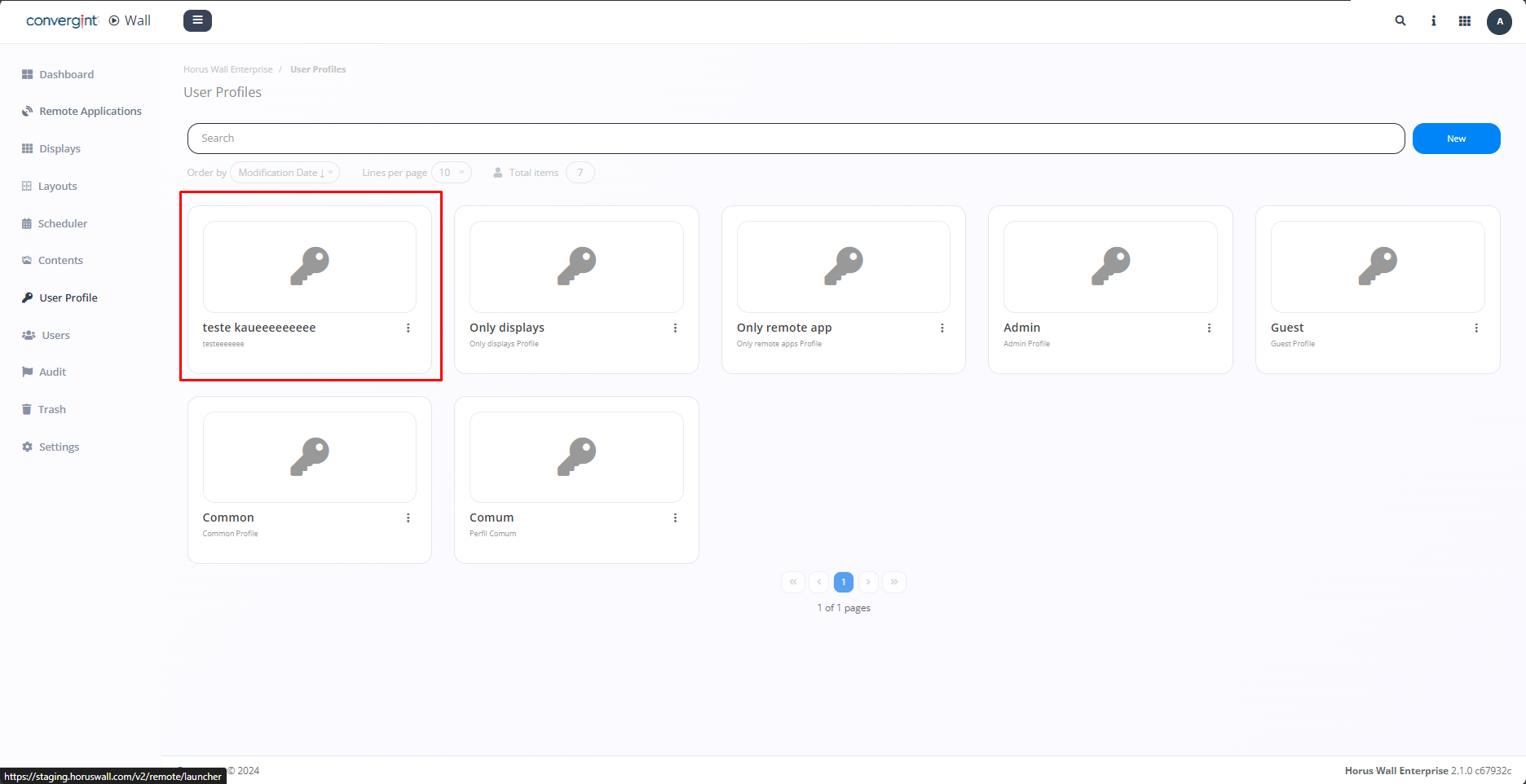
To change the user profile information, you need to access the "User Profile" tab and click on the user profile you want to modify (highlighted). This allows you to edit the description and the permissions that were previously added.
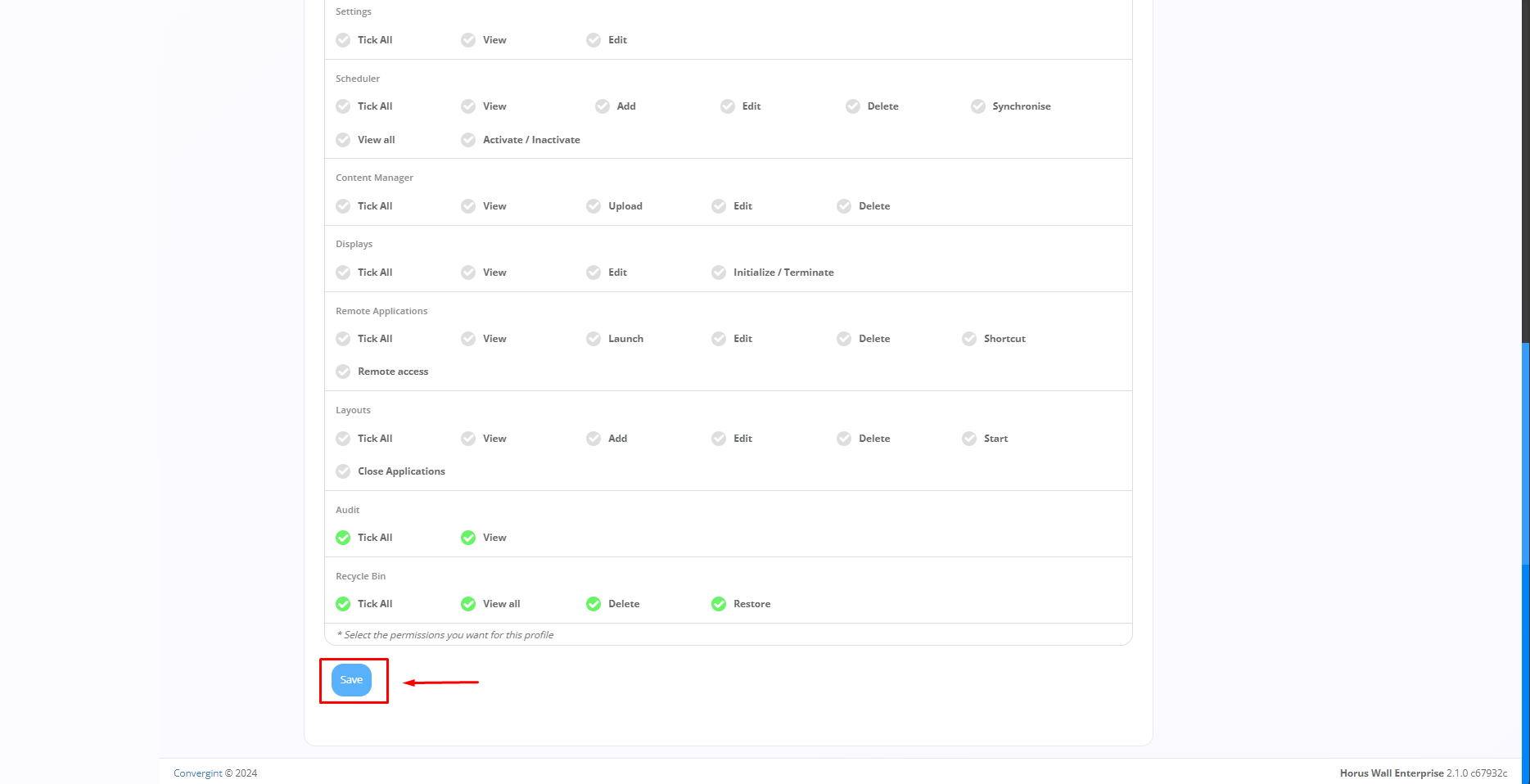
After selecting the desired user profile, simply modify the information according to your preference. Then, click "Save" to update the new information described.